Lost your phone? Find it from any browser.
Sign in with the Google account already on your devices. Ring one at full volume, see where it last checked in, or lock it, all from this page.
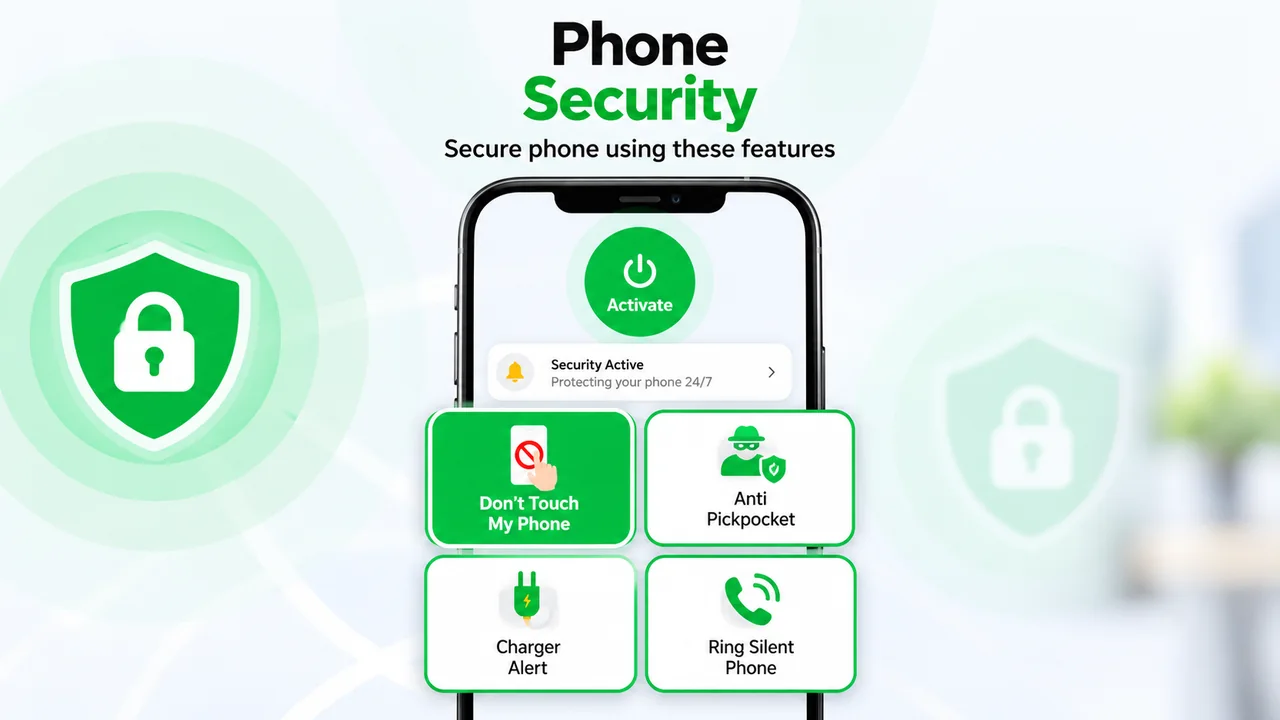
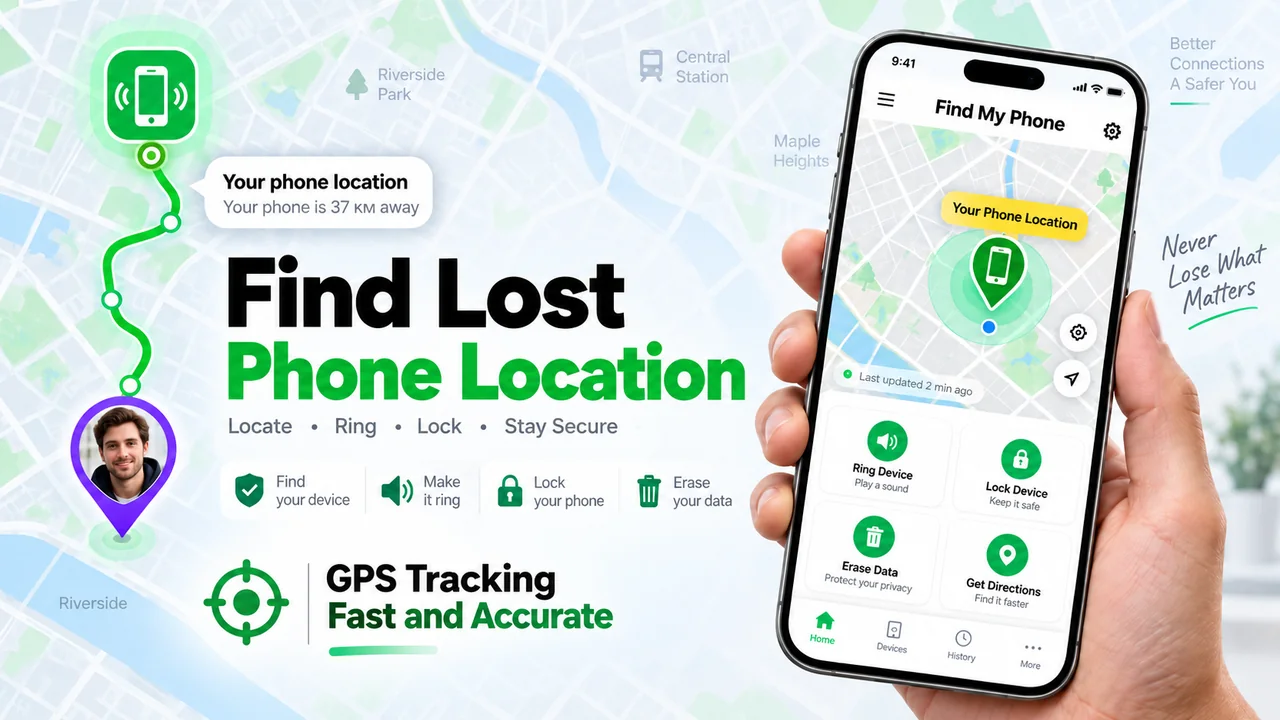

See the app in action
Tap any screenshot to view it full size.
Get the app on Google Play
The web dashboard works with the phones you've already set up. Install the app on Android to link a device.
Built for the moment you need it most
Runs on the same Google account and device records as the Android app. Nothing extra to set up.
One-tap Google sign-in
Use the account linked to your phone to see its devices instantly.
Ring, even on silent
Sends a push that tells the device to sound off at full volume.
Location on request
Asks the device for a fresh fix instead of showing a stale point from hours ago.
Remote lock
Lock the screen instantly if the phone is out of reach.
Every device, one screen
Every phone linked to your account shows up as its own card.
Push, not polling
Commands travel over Firebase Cloud Messaging and land the moment you send them.
Three steps to a found phone
Sign in with Google
Use the account that's signed in on the phone you're looking for.
Pick a device
Each linked phone gets its own card with live status.
Ring, locate or lock
One tap sends the command. A location request updates the card when the phone replies.
Your data, explained
Read how Find My Phone handles your Google account and device location.
Ready to find it?
Sign in and see your devices in seconds.